
We’re visiting Paris where our girls liked the Eiffel Tower but absolutely loved the carousel right next to it.
Blog of Stu West, advisor and startup business builders in Silicon Valley
We’re visiting Paris where our girls liked the Eiffel Tower but absolutely loved the carousel right next to it.

Here’s the first official edition of Longreads’ Best of WordPress! We’ve scoured 22% of the internet to create a reading list of great storytelling — from publishers you already know and love, to some that you may be discovering for the first time.
We’ll be doing more of these reading lists in the weeks and months to come. If you read or publish a story on WordPress that’s over 1,500 words, share it with us: just tag it #longreads on Twitter, or use the longreads tag on WordPress.com.
***

How the owners of world-class restaurants including Alinea created their own custom ticketing system:
Though I hadn’t the faintest idea how we would sell tickets, Grant and I included the line: “Tickets, yes tickets, go on sale soon…” in the announcement ‘trailer’ for Next. That was meant to do three things: 1) gauge…
View original post 842 more words

Seen while jogging at an Automattic team meetup in Palermo, Sicily.
 News is out both on our founder Matt Mullenweg’s blog and on Re/code about Automattic’s $160 million fundraising. I’m really excited about what this new capital means for Automattic’s ability to support WordPress. Welcome to new investors including Deven Parekh at Insight, Chris Sacca, and the Endurance team. And thanks to Tiger Global and True Ventures for their continued support.
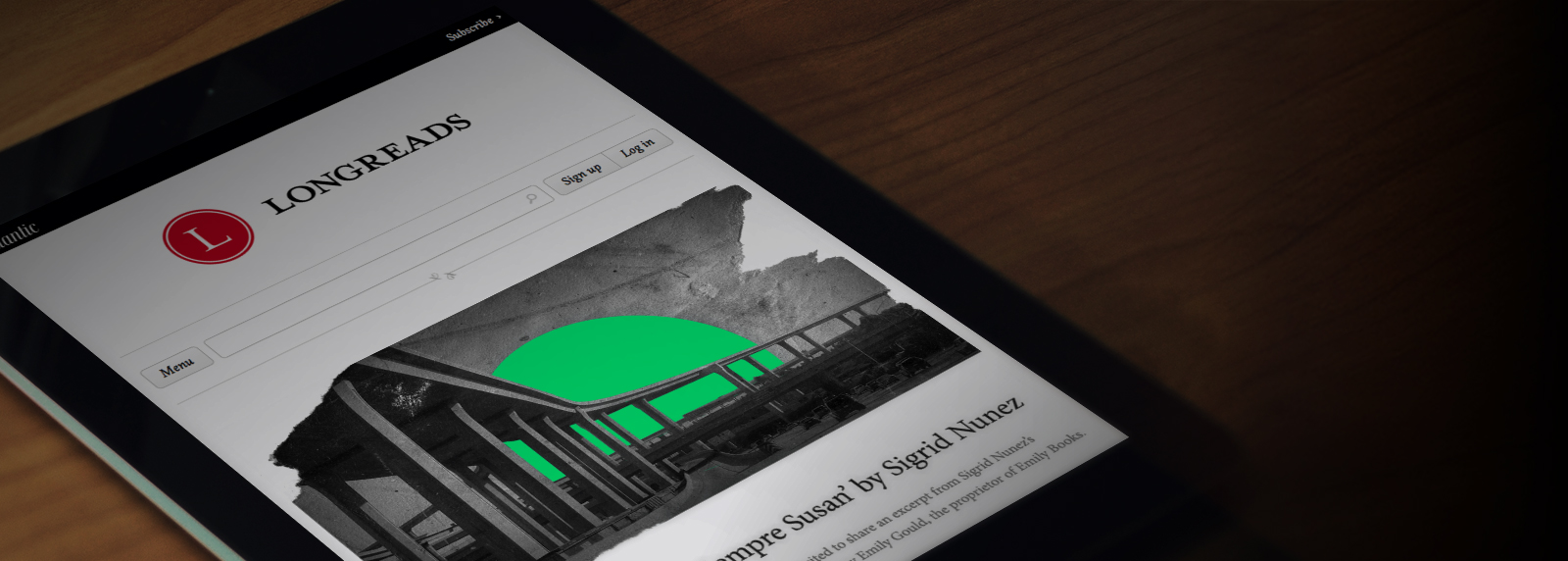
Great news from a few weeks ago on Longreads joining Automattic.
Today we’re excited to announce that we are acquiring Longreads, the pioneering service that helps readers find and share the best longform storytelling around the world, for reading on mobile devices.
Over the last five years, Longreads and its community have created a new ecosystem for readers to find great in-depth stories, and for writers and publishers to distribute their best work over 1,500 words. Longreads will continue to do what it does best — recommending stories from across the Internet — and we are excited to have them join the WordPress.com team and continue in their commitment to serving readers.
As consumption has moved to mobile devices, there has been a growing hunger for longform content: phones and tablets are perfect for enjoying in-depth articles, and there are more moments than ever for readers to dig into a story —…
View original post 153 more words
No matter what else happens in my life — professional success (a big win at work!) or personal joys (a new child!) — I have always been my family’s technical support guy. So this holiday season, as usual, I spent hours answering questions for family members and helping tune all their gadgets. This year’s focus was on iPads and iPhones. Between my sisters, parents, in-laws, nieces, and my own kids, we had a total of 21 iDevices. User ages range from 4 to 83, with little technical knowledge and less time to explore their gadgets.
Many settings needed tweaking. Here are the top 10 tips for our collection of iDevices (well, 11 tips, plus two bonus ones). They are designed for our situation — iDevice users who don’t want their kids to spend a fortune on data overages, where a big goal is to encourage more communication inside your family:
A final note on Restrictions. For parents, Settings→General→Restrictions has a comprehensive set of restrictions you can place on making changes to an iDevice. There are some personal decisions to make about how and when to restrict your kid use. Here are two that we use:
The result of all this will, hopefully, be fewer data overages, more communication among family, and general rightness in the world. However, restrictions on installing apps might lead to awkward moment like this sales job from my Fruit Ninja obsessed 6-year old:
WordPress 3.8 is out… And it’s gorgeous.
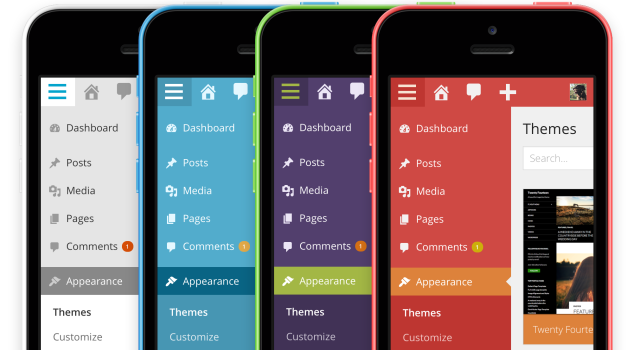
Today the WordPress core team announced WordPress 3.8 “Parker”, a major milestone for the web’s most popular blogging software. In its 10 years WordPress has seen many changes, one of the most significant being the “Crazyhorse” redesign that came with version 2.7 in 2008. Today’s update is the biggest visual update to WordPress since that release. And while I’m not a member of the core team myself, I got to contribute to this version by leading one of the first featured plugin projects incorporated into WordPress. The MP6 redesign project originally began last March with a set of new icons once under consideration for WordPress 3.6. It’s expanded into a visual reinterpretation of WordPress that’s responsive too, so folks with phones and tablets and computers of all sizes1 can now use WordPress well. We’ve done all this without significantly altering the well-known WordPress user experience, meaning that we…
View original post 743 more words
Defending our users and our shared principles has always been a big part of WordPress.com. I’m really proud of our General Counsel Paul and his team’s efforts, including in these two cases.
The mission of WordPress.com is to democratize publishing. We’re inspired every day by the ways creators use our platform to bring their voices to the world. Unfortunately, we also see many cases of censorship aimed at WordPress.com authors and users.
One area where we’ve seen a number of problems is the censoring of criticism through abuse of copyright law. Two recentcases of abuse really caught our attention and made us think that we needed to take action to fight back on behalf of our users and everyone who believes in the internet’s promise for free expression.
A common form of censorship by copyright stems from improper use of legal creations called DMCA takedown notices. The DMCA stands for the “Digital Millennium Copyright Act,” which is a US federal law that created a system for protecting copyrights online. The DMCA system works pretty well, but has a…
View original post 663 more words
Looks like WordPress.com just moved up one spot to #7 in Quantcast’s rankings of U.S. websites. Congrats to all our amazing publishers and bloggers, plus the Automattic team!

So excited to be able to share the news today that we’ve acquired Cloudup, an amazing startup that makes it super easy to share “streams” of images, videos, audio, links and more — instantly!
I’ve gotten to know the founders Thianh Lu and Guillermo Rauch quite well during this process, and couldn’t be happier to have them now as colleagues.
Like Automattic, Cloudup is also distributed (1/3 of the employees are outside the US), uses IRC a ton, and are involved in some massive open source projects including
socket.io, mongoosejs, and expressjs.

Check out our announcement post on WP.com and the Cloudup post for more details and get ready for some seriously exciting stuff coming soon to your WordPress dashboard.


 stu.blog